Introduction
In the world of software development and system administration, comparing file versions is a daily task. When working on Linux, having a visual and powerful tool can make the difference between wasting hours on manual searches and resolving conflicts in minutes. KDiff3, often simply known as KDiff, is an open-source application that allows comparing and merging up to three files or directories simultaneously, offering a clear interface and advanced functionalities that suit both beginners and experienced users.
What is KDiff3
KDiff3 belongs to the KDE project and is distributed under the GPL license. Its main goal is to show differences between text files, highlighting added, deleted, or modified lines with intuitive colors. Additionally, it includes a three-way merge mode that is indispensable when working with version control branches, as it allows creating a resulting file that incorporates changes from two different versions relative to a common base.
Installation on the main Linux distributions
In most official repositories, KDiff3 is available under the package name kdiff3. Below are the most common commands:
- Ubuntu / Debian:
sudo apt update && sudo apt install kdiff3 - Fedora:
sudo dnf install kdiff3 - Arch Linux:
sudo pacman -S kdiff3 - openSUSE:
sudo zypper install kdiff3
For users who prefer to compile from source, the project provides a tarball on its official website and the typical process involves ./configure, make, and sudo make install. Regardless of the method, the application integrates perfectly with KDE desktop environments and also works smoothly in GNOME, XFCE, or any other environment that supports Qt applications.
User interface and main features
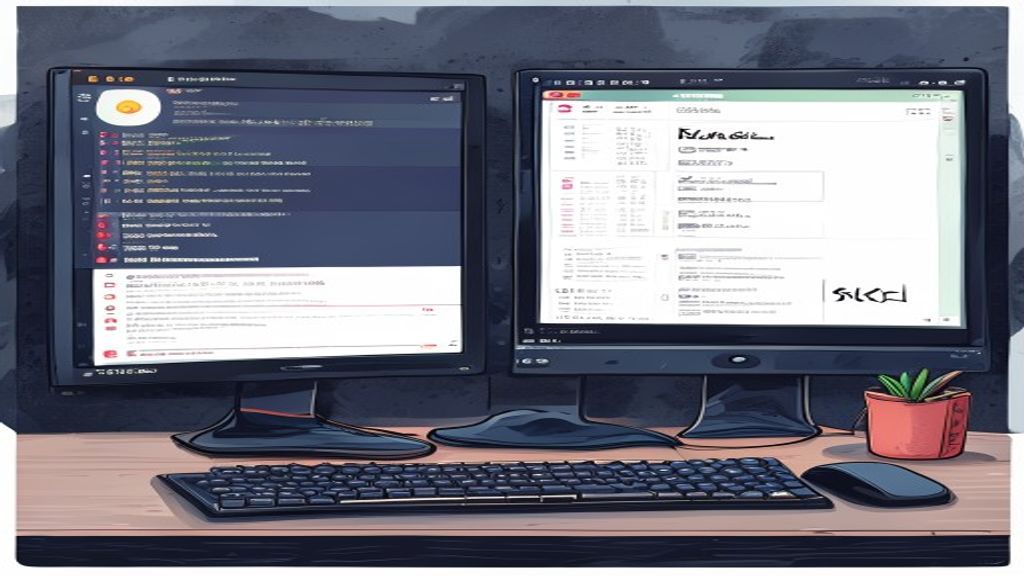
When launching KDiff3, a window divided into three panels appears when comparing three files, or two panels for binary comparisons. Each panel shows the file content with line numbering and optional syntax highlighting. Differences are indicated with colored blocks: red for deleted lines, green for added lines, and blue for changes. The toolbar allows navigating between difference blocks, copying changes from one panel to another, and saving the result directly.
Among its standout features are:
- Comparison of text files and complete directories.
- Automatic detection of encodings (UTF-8, ISO-8859-1, etc.).
- Filtering options to ignore whitespace, case changes, or specific lines.
- Side-by-side or interleaved diff view.
- Ability to print or export the diff report to HTML or PDF.
Comparison of files and directories
To compare two files, simply run kdiff3 file1.txt file2.txt from the terminal or use the «File → Open» menu. When dealing with directories, KDiff3 recursively walks the folders and shows a tree where each node indicates whether files are identical, different, or exist only on one side. This functionality is very useful for synchronizing backups, verifying deployments, or auditing changes in source code.
The user can mark files to copy from one side to another, delete duplicates, or generate a patch that can later be applied with